Completed Workouts
Completed Workouts and History
Once a training session is finished, the data is saved to your history and becomes available for detailed analysis via the calendar.
Viewing Results
Selecting a completed workout in the calendar opens a modal window with summary statistics. The information block includes:
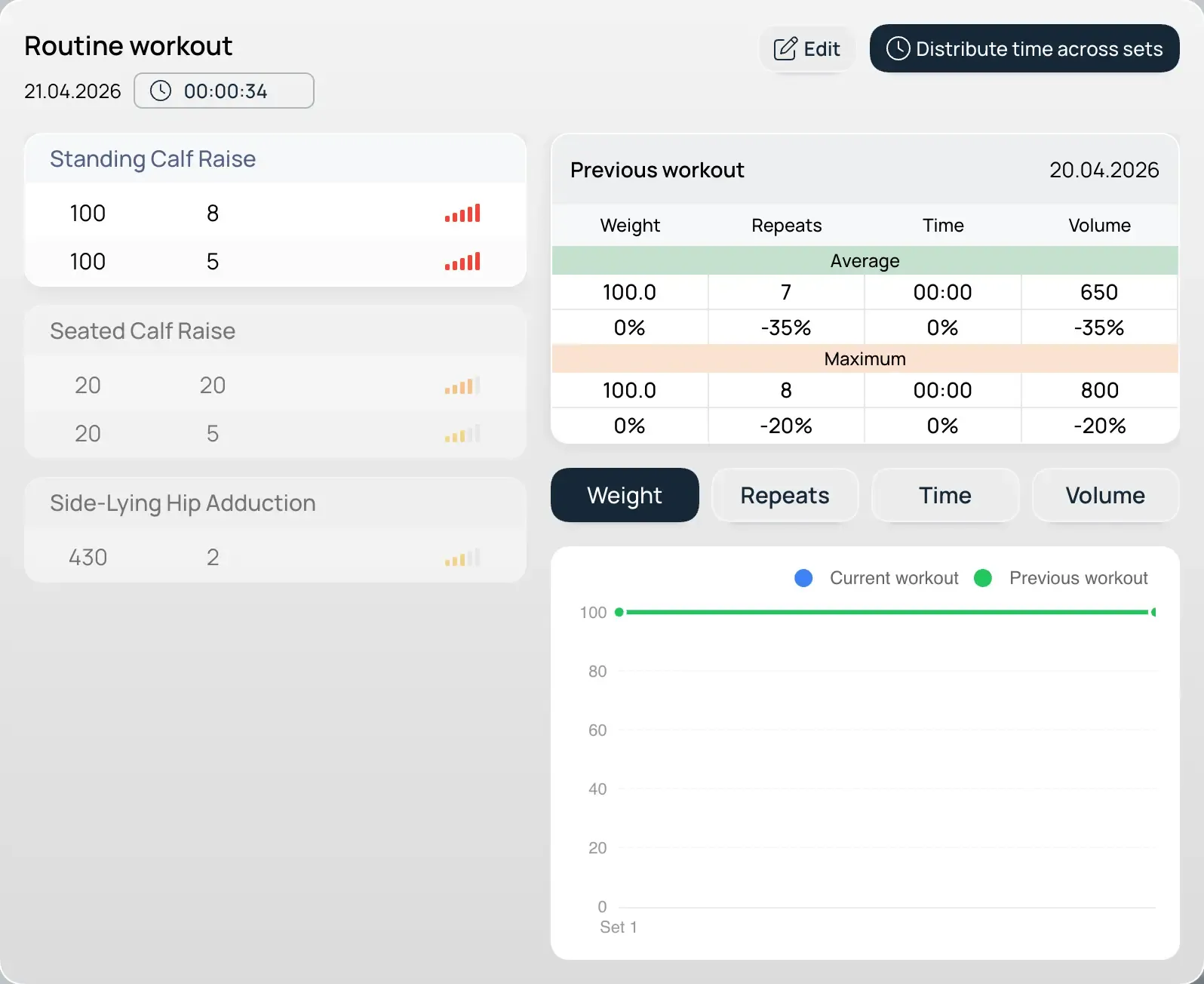
- General Metrics: Total workout duration and a subjective session RPE (Rating of Perceived Exertion).
- Exercise Breakdown: A complete list of performed sets, including weights and repetitions.
- Comparative Analysis: A comparison table mapping current results against your performance in the same exercises from the previous session.
Time Interval Management
You can adjust time stamps after the session is closed:
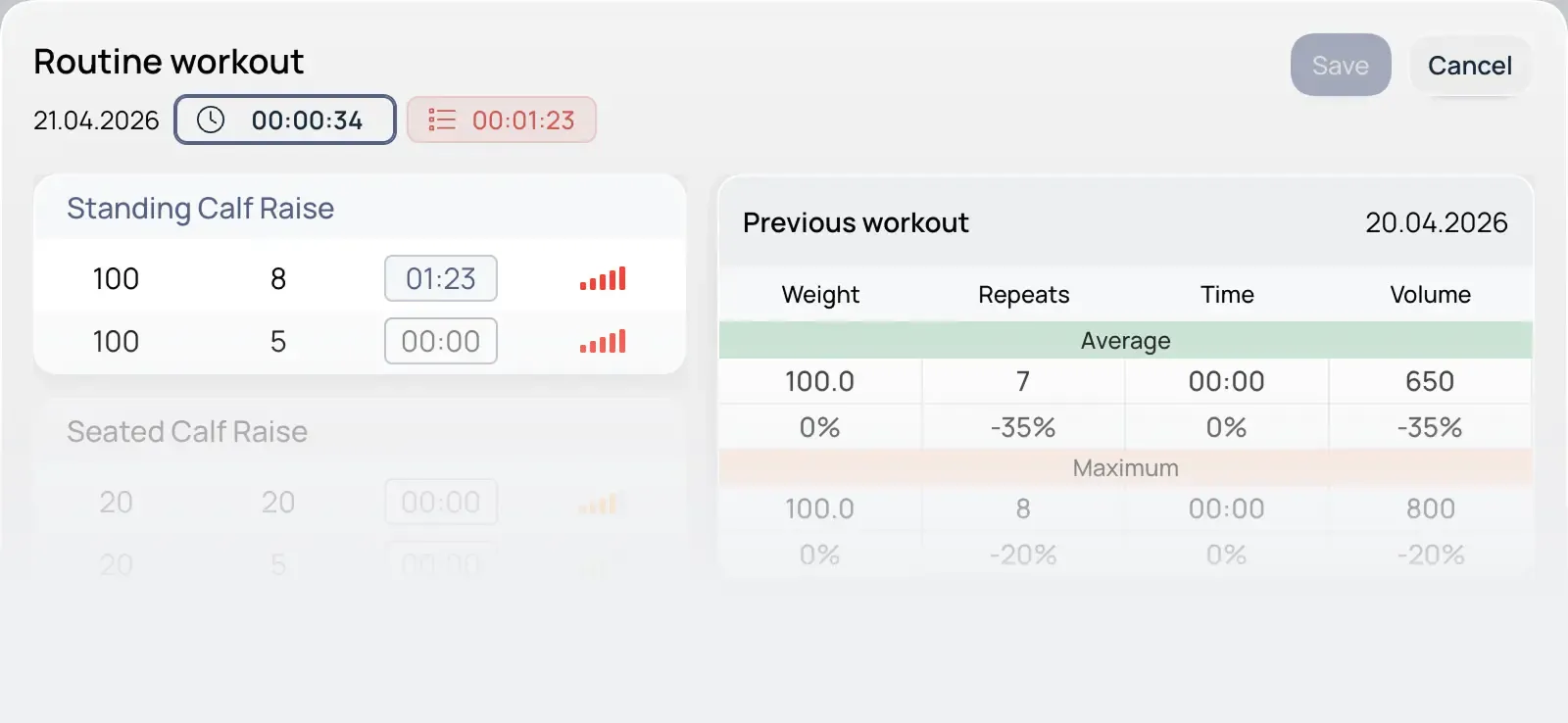
- Individual Editing: Edit the total workout duration or the execution time of specific sets.
- Automatic Distribution: A function that evenly distributes the total session time across all sets and exercises.
Note on Data Accuracy: The depth and accuracy of long-term analytics depend directly on precise tracking of work and rest intervals. For valid reporting, we recommend logging these intervals accurately. If detailed statistics are not required, these fields can be left as-is.
Editing Restrictions
To ensure the integrity of your historical data, the following rule applies:
- Structural Lock: The structure of a completed and saved workout (the exercise list) cannot be edited.