Saving a Workout
Before finalizing your plan, you need to set the core session parameters:
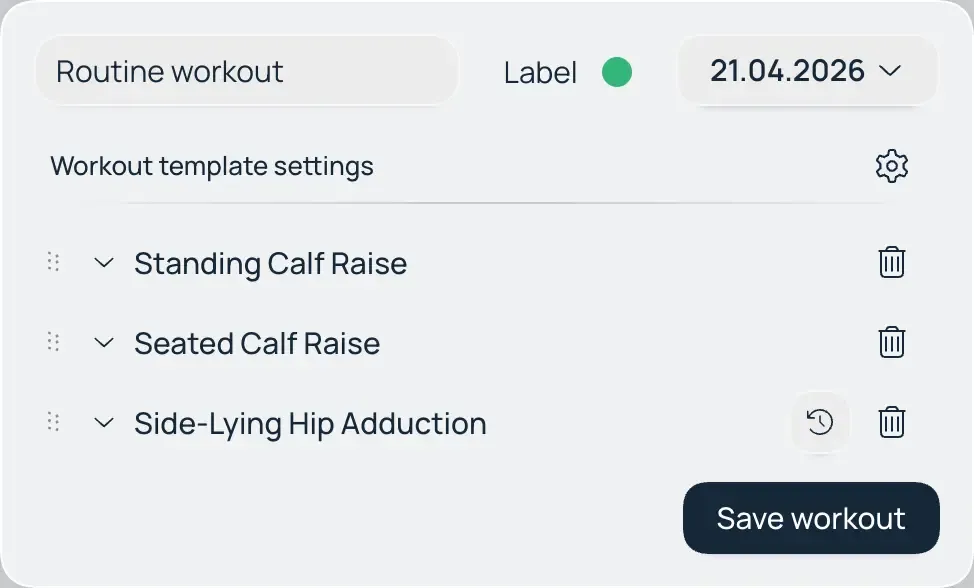
- Date Selection: The current date is set by default. To schedule a workout for another day, select the corresponding date in the calendar.
- Color Coding: Choose a color for the workout. Color indicators make visual navigation in your calendar easier, especially when using different exercise sets or training splits within a single cycle.
- Saving: Once the main fields are filled and at least one exercise is added, the save function will become active. Click "Save" to display the workout on your main dashboard calendar and make it available for tracking.