Program Preview
After configuring the template and progression parameters, the "Preview" function becomes available. This tool allows you to visualize the structure of the future cycle and verify the correctness of all calculations before starting your workouts.
The preview window includes the following analytical blocks:
- Settings Summary: Displays the basic program parameters (cycle duration, repeat days, selected progression coefficients).
- Load Graph: Visualization of training volume as a curve. The graph clearly shows the dynamics of working weight progression and scheduled deload periods, allowing you to assess the adequacy of the planned intensity.
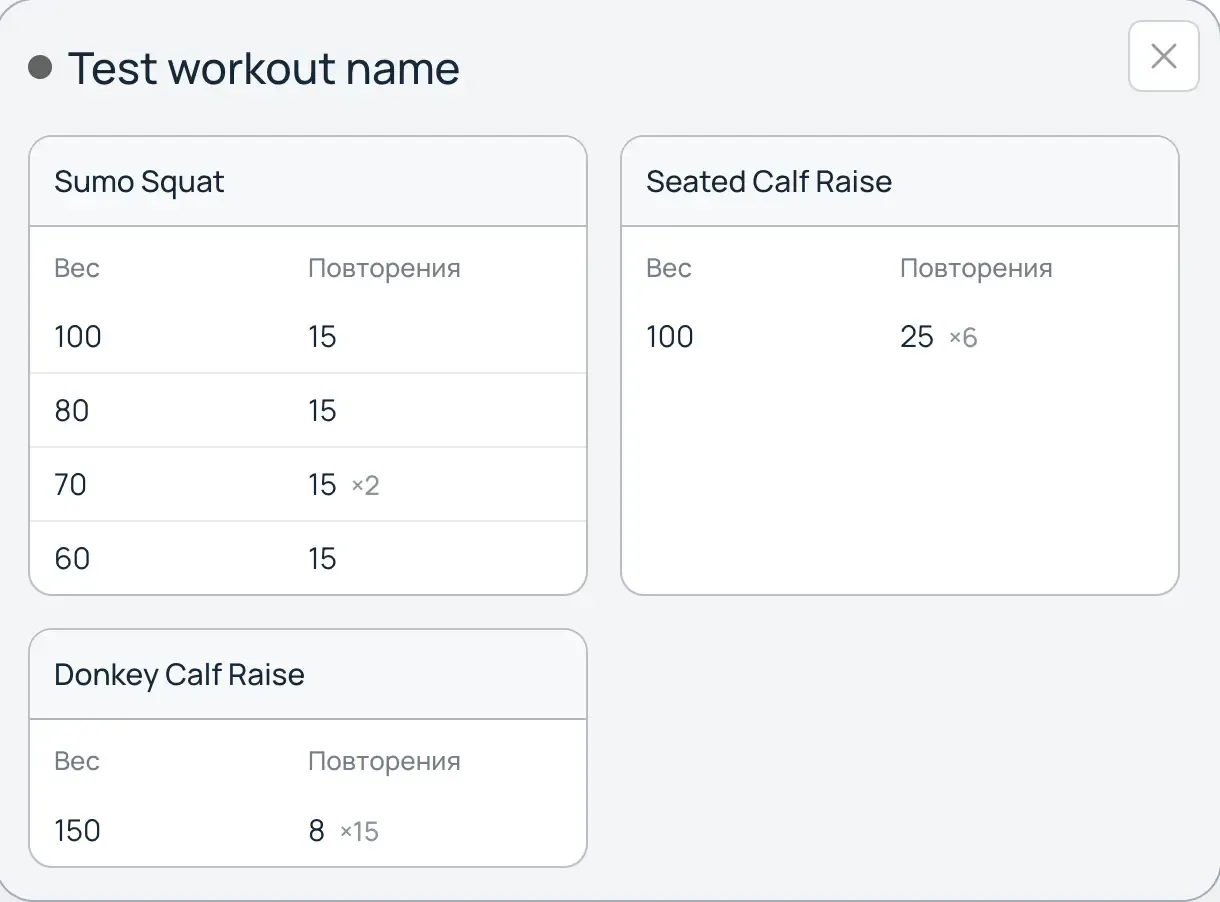
- Detailed Table: A complete list of exercises distributed by week. The table records:
- Calculated weights and repetition counts for each set.
- Marking of deload weeks taking into account the set load reduction percentage.
- Step-by-step weight changes according to the weekly increase.
Using the preview is recommended to eliminate planning errors and confirm that the progression proposed by the system matches your current physical capabilities.