Filling Out a Set
Performing a Set
To start logging data, select the desired exercise from the list and follow these steps:
- Work Timer: Press the Play button next to the set number. The system will start a time counter that records the duration of the exercise (Time Under Tension).
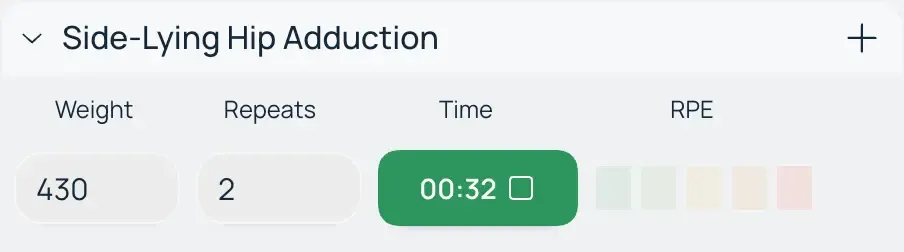
- Completing the set: When the set is finished, select the subjective difficulty (level of effort) and press the Pause button.

- Rest Timer: Stopping the work timer automatically initiates a countdown for rest time before the next set.

- Editing Data: During the process, you can edit the weight, number of repetitions, or change the number of planned sets depending on your current state.
Flexibility and Data Accuracy
The Macroses app is designed with the variability of the training process in mind:
- Free order of execution: You are not limited by the sequence of the list. The system allows you to jump to any exercise in any order.
- Optional logging: Using the built-in timers and entering difficulty are not strictly required to save a workout.
- Importance for analytics: Despite the voluntary nature of data entry, detailed filling of these parameters is necessary for building accurate long-term analytics. This allows tracking not only the increase in weights but also changes in load density and the body's recovery rate.