Adding and Removing Exercises
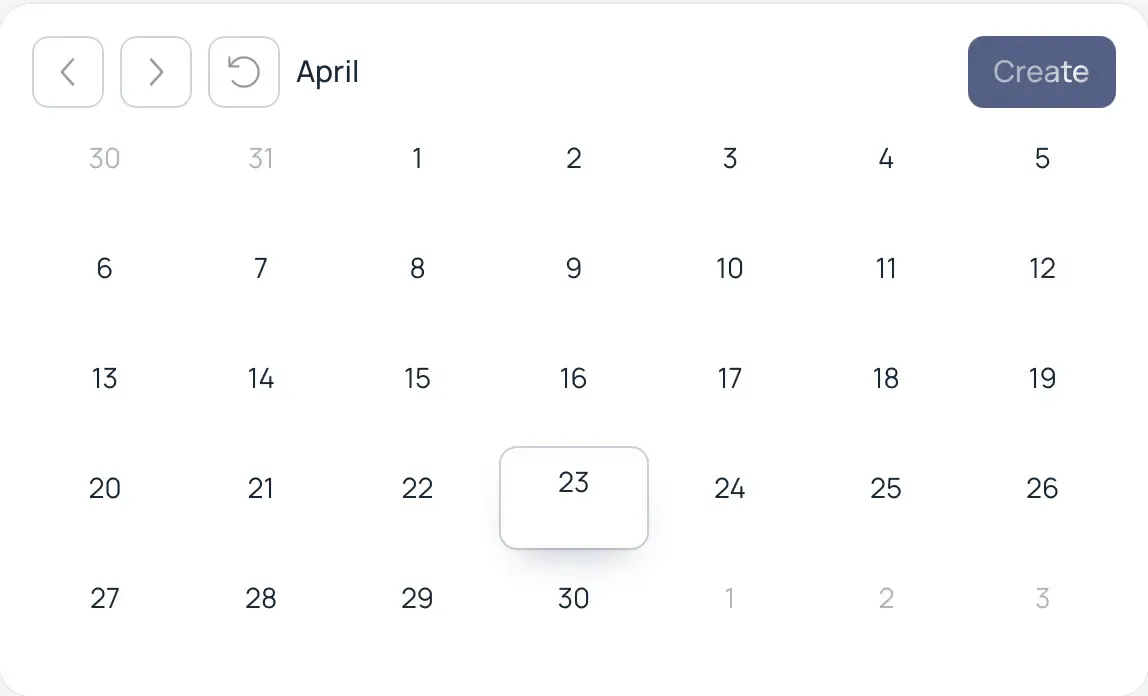
Creating a Workout: Click the "Create" button within the calendar block. This will take you to the Workout Builder page.
Selecting an Exercise: Use one of the two convenient methods on the left side of the screen:
- List Search: Start typing the name or select an exercise from the categorized list.
- Interactive Atlas: Click on a specific muscle group on the anatomical map (Body Atlas) to filter for relevant exercises.
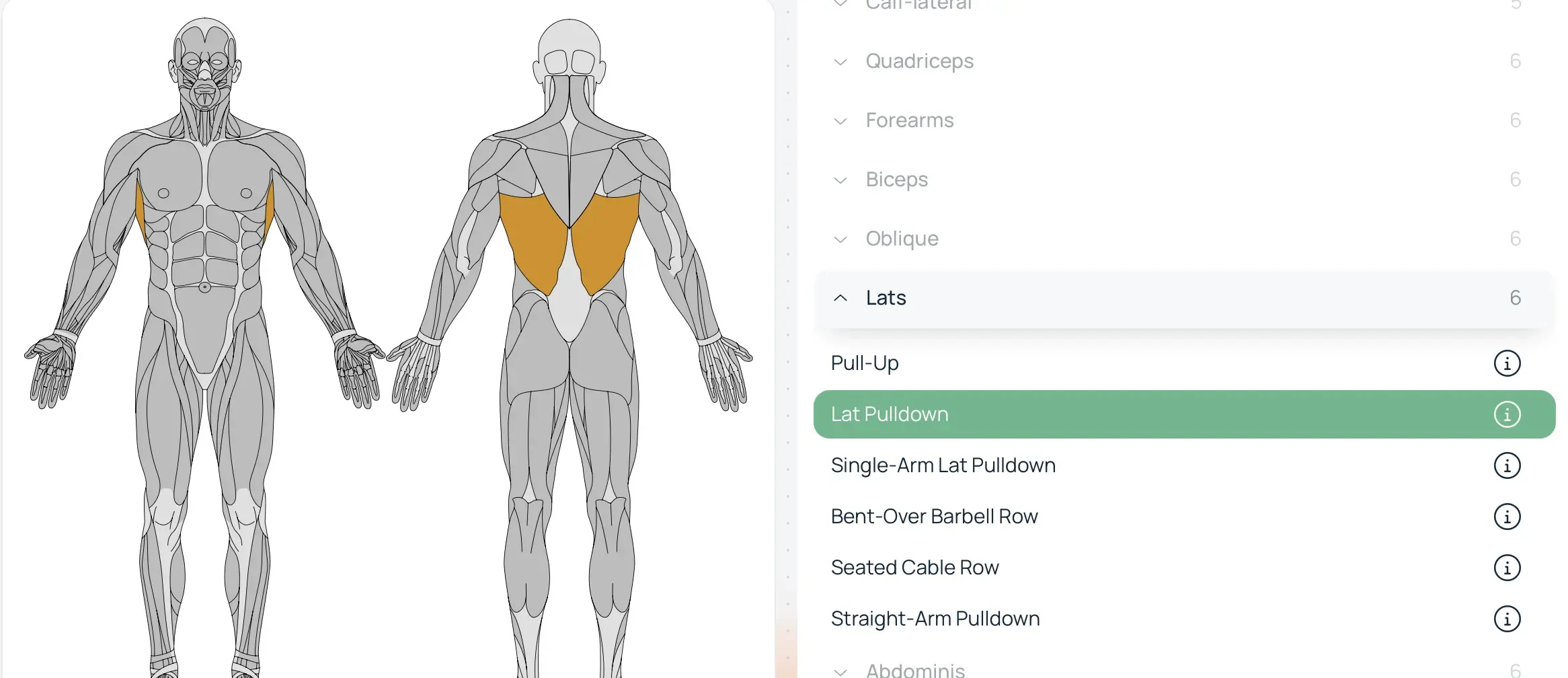
Confirmation: Click on the name of the chosen exercise — it will appear in your current workout list in the center block.