Workout Management
Existing entries are managed directly through the calendar interface. Selecting a specific day opens a context menu with the following operations:
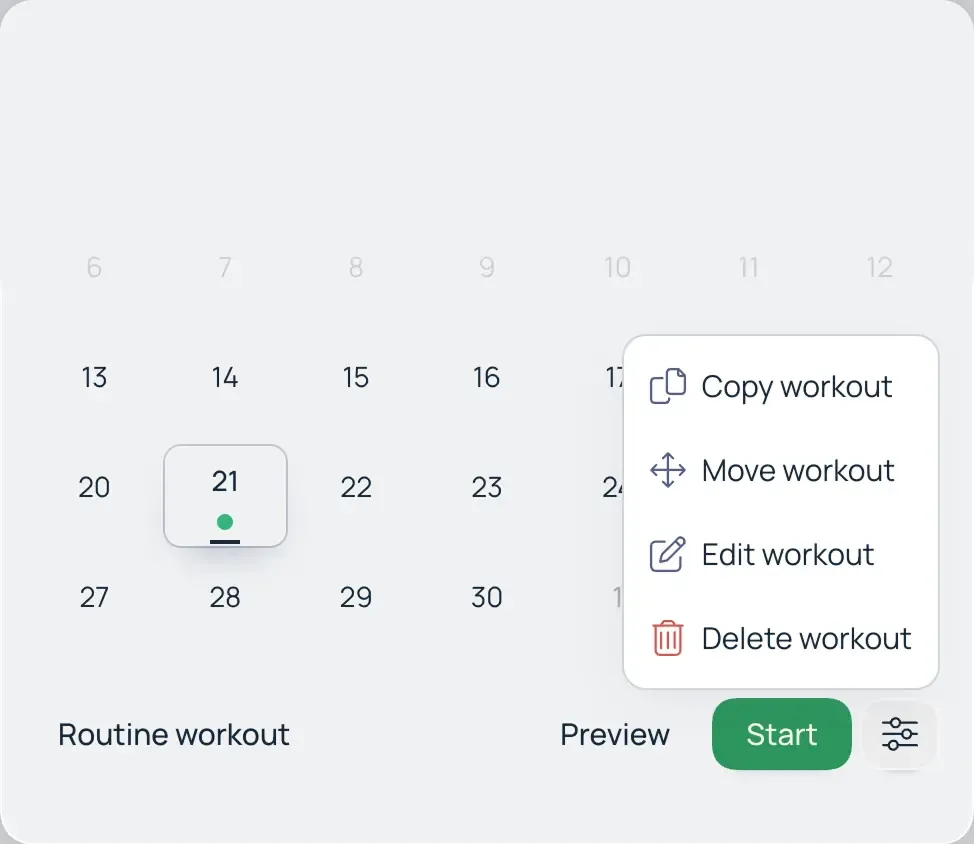
- Edit: Modify the workout structure, exercise selection, or load parameters within an existing entry.
- Move: Reschedule incomplete workout.
- Delete: Permanently remove a workout from your history and calendar.
- Copy: Create a duplicate of the workout on a selected date.
Copying with Load Progression
Macroses includes a feature to automatically adjust parameters (progression) when duplicating a workout. This allows you to quickly generate a new session based on a previous one:
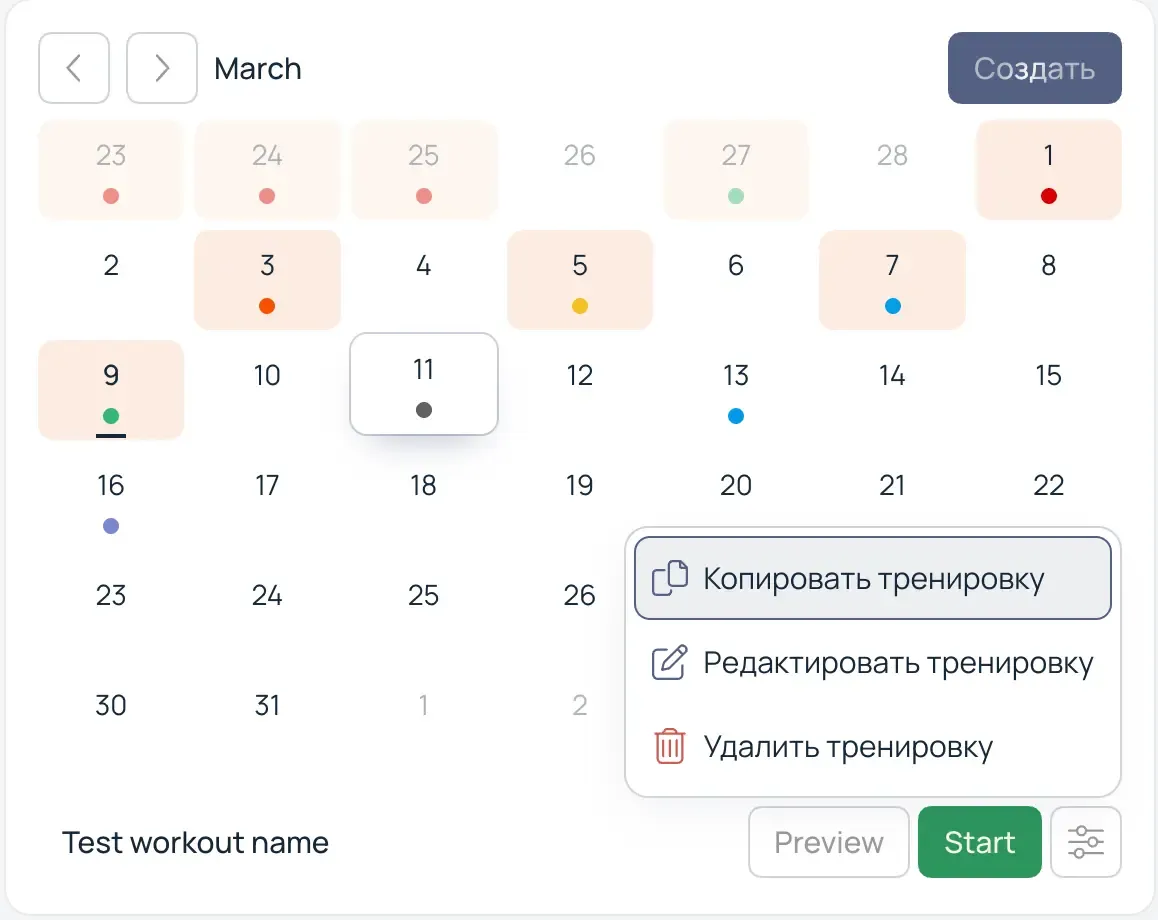
- Select the Copy function from the context menu.
- In the pop-up window, set the percentage for weight or repetition changes (increase or decrease).
- The system will automatically recalculate the metrics for all exercises in the copied workout based on the specified value.
This feature is designed for rapid planning of linear progression cycles, eliminating the need for manual adjustments to every set.