Adding sets
Configuring Sets and Weight
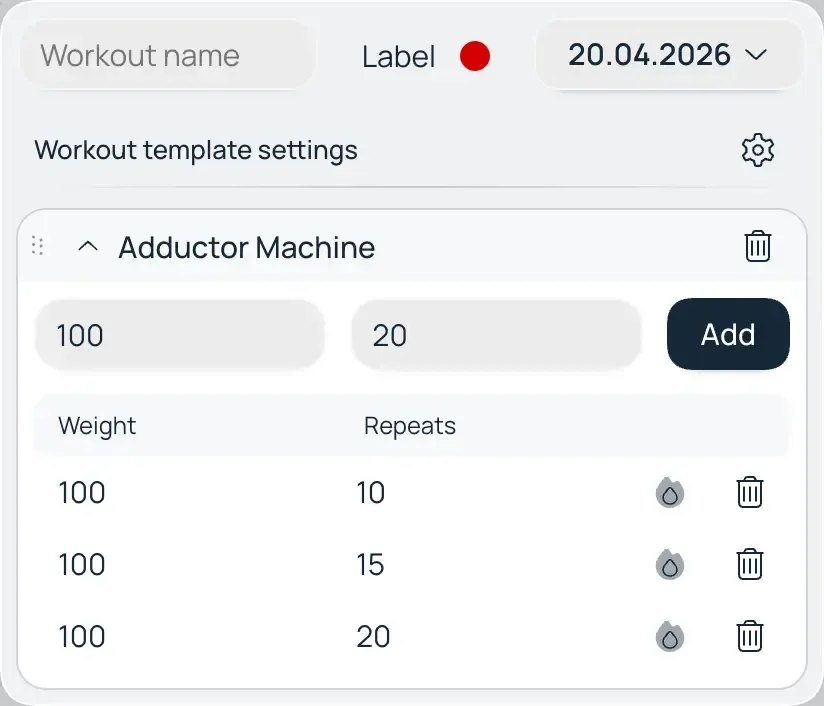
Once an exercise has been added to your workout list, you need to define the load parameters:
- Entering Data: Click on the exercise name to expand its card. Enter the required number of repetitions and the working weight for each set.
Warm-up Sets
To ensure your statistics reflect only your actual training progress, Macroses features a distinct load-tracking system:
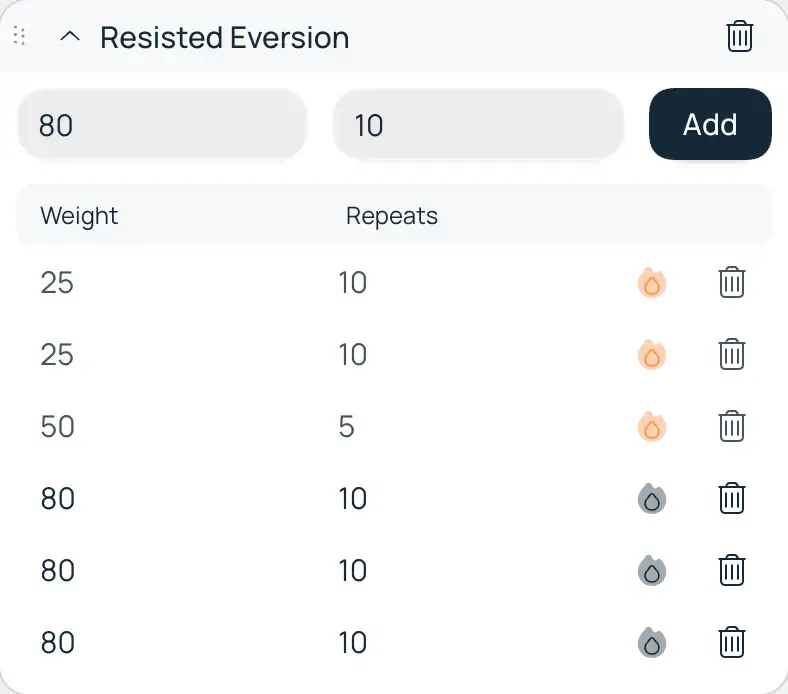
- The "Flame" Icon: Click the flame icon next to a set number to mark it as a warm-up.
- Clean Analytics: By default, the volume from warm-up sets is excluded from global statistics. This prevents data skewing and ensures you see only the volume that directly drives hypertrophy or strength gains.
- Flexible Settings: If you prefer to track every single bit of activity, you can toggle this behavior in your settings: Profile → Workouts → Include warm-up sets in statistics.