Custom Exercises and Folders
If the standard database isn't enough, Macroses allows you to create an unlimited number of custom exercises and organize them with ease.
Creating an Exercise
- Navigate to the "My Exercises" tab.

- Click the Create icon (+).
- In the dialog box, fill in the required fields: name, target muscle group, load type, and other parameters.
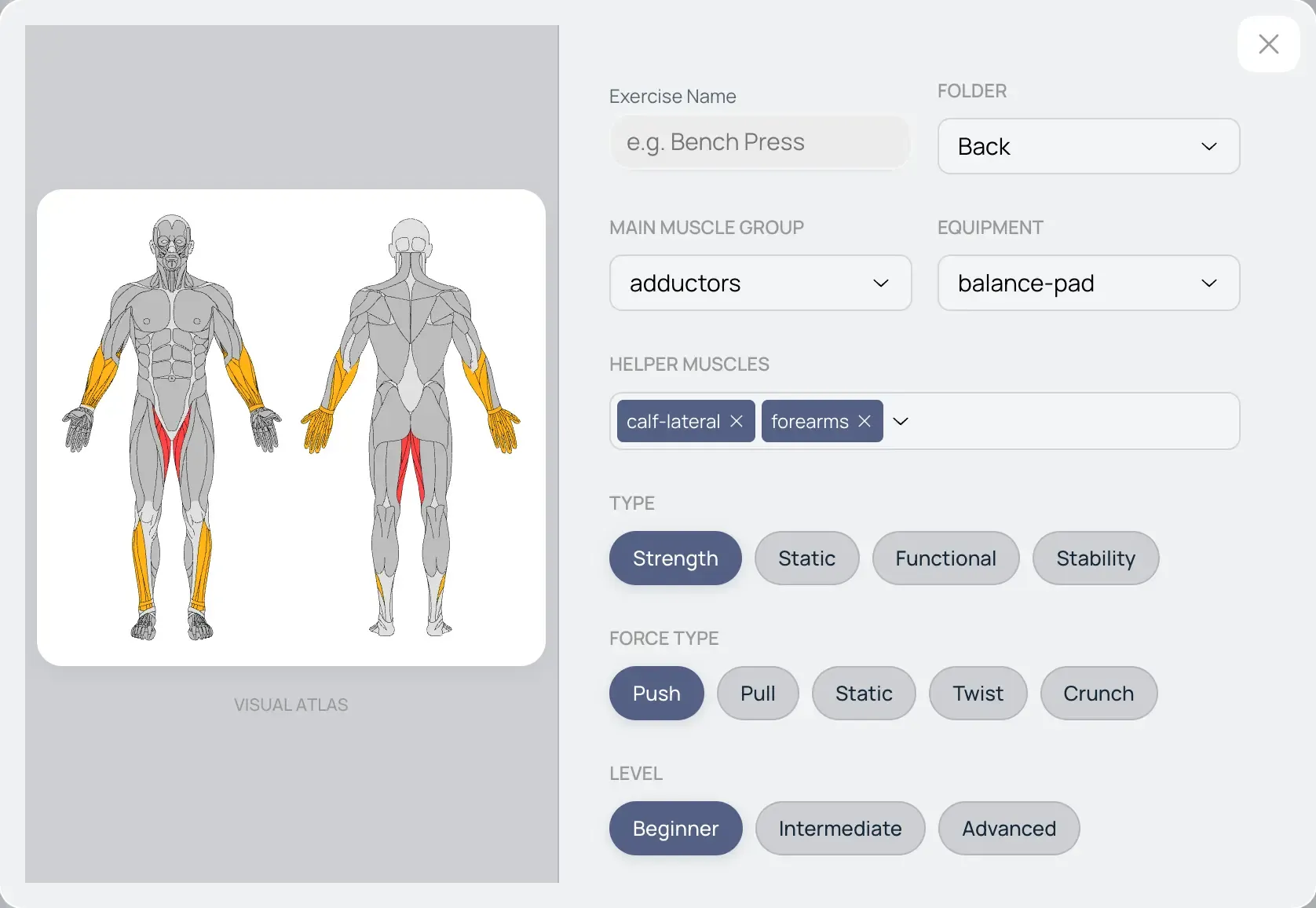
- Click "Save." The exercise is now available in the general list and via search.
Organization via Folders
As your list grows, use folders for faster navigation. We recommend grouping exercises by muscle groups (e.g., "Back," "Chest," "Legs") or equipment type.
- Creating a Folder: Click the folder icon, choose a name, and select a color for visual identification.
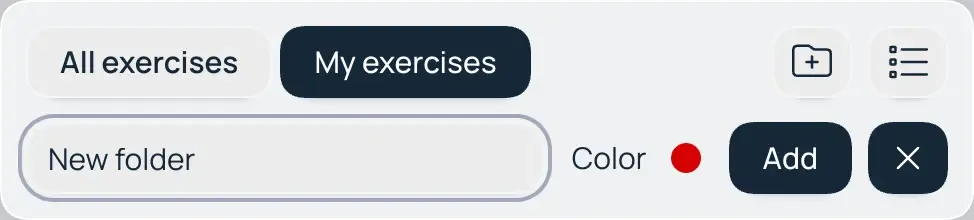
- Sorting (Drag-and-Drop): Simply click and hold an exercise, then drag it into the desired folder.
- Management: You can move exercises between folders or drag them back to the general area using the same method.
Deleting Folders
You can safely delete folders that are no longer needed.
Important: Deleting a folder does not delete the exercises inside it. They are simply moved back to the general area, ensuring you never lose your workout history or custom settings.